Change Background to Windows Classic in Windows XP ( WINXP )
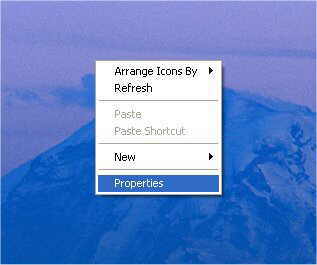
1) From your Desktop, right in the center of the screen and select properties.
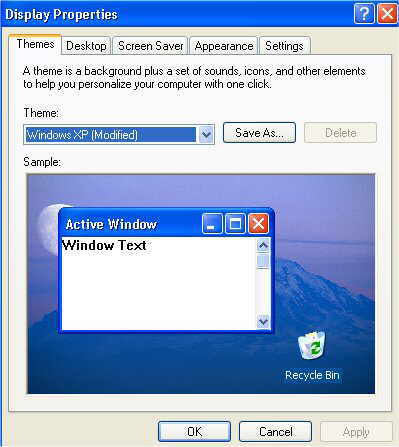
2) From display properties select "APPEARANCE"
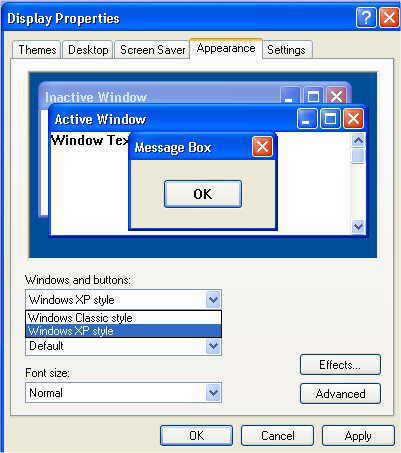
Now under "WINDOWS and BUTTONS" select the down arrow and select Windows Classic Style.
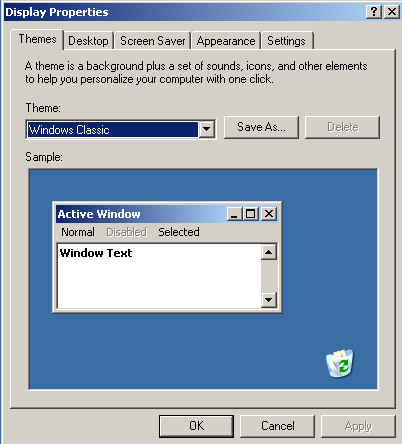
4 ) The good old Windows Grey Style will appear, just like the old days.
Brought to you by www.Okicomputing.com